Format SD Card
DJI only
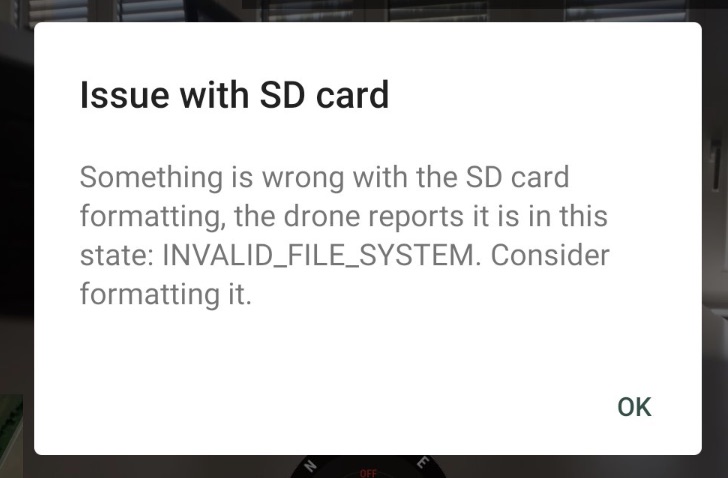
If the drone's SD card is not formatted correctly, LINIAair shows a warning.
Format the SD Card
warning
Formatting erases everything on the SD card. Back up all important data first.
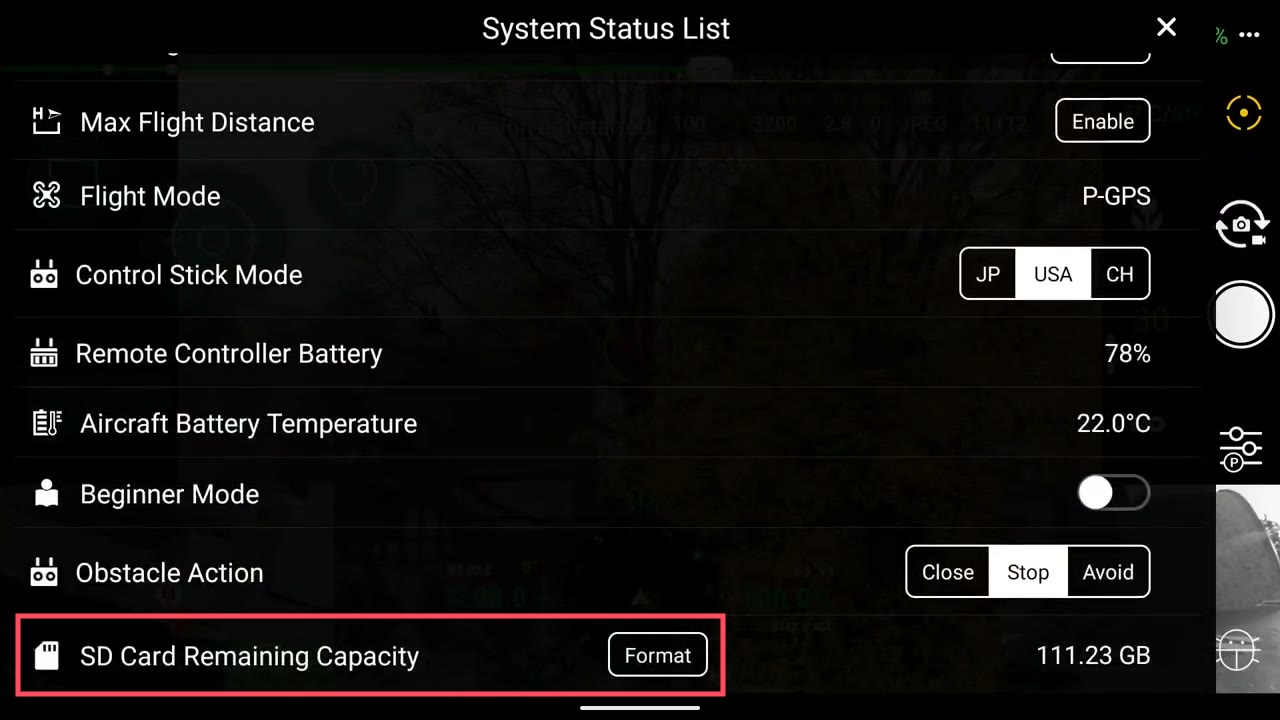
- In the flight screen, tap the flight status in the top left to open the System Status List.
- Scroll down to SD Card Remaining Capacity and tap Format.
- Tap OK to confirm.