Hardware Buttons
Assign actions to the buttons on the controller. To open, tap Buttons in the settings.
DJI and MAVLink
The screen looks slightly different for DJI and MAVLink drones:
- DJI: the controller is detected automatically.
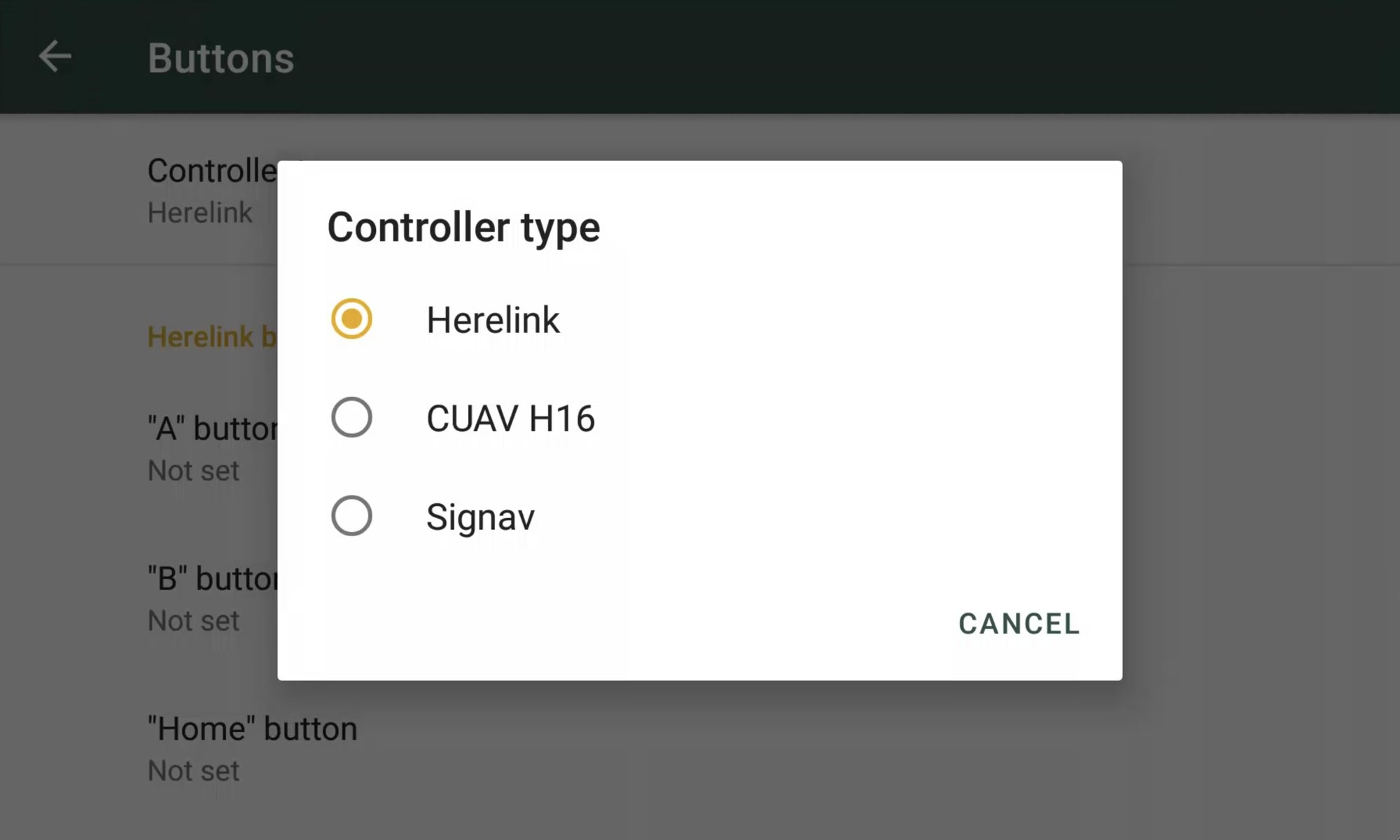
- MAVLink: first select your controller under Controller type (Herelink, CUAV H16 or Signav). The list then shows the buttons of that controller.
Assign a Button
- Open Settings › Buttons.
- Press the button on the controller. LINIAair scrolls to it and highlights it.
- Tap the highlighted entry.
- Select the action.