DJI Drone Settings
DJI only
To open, tap Drone in the settings.
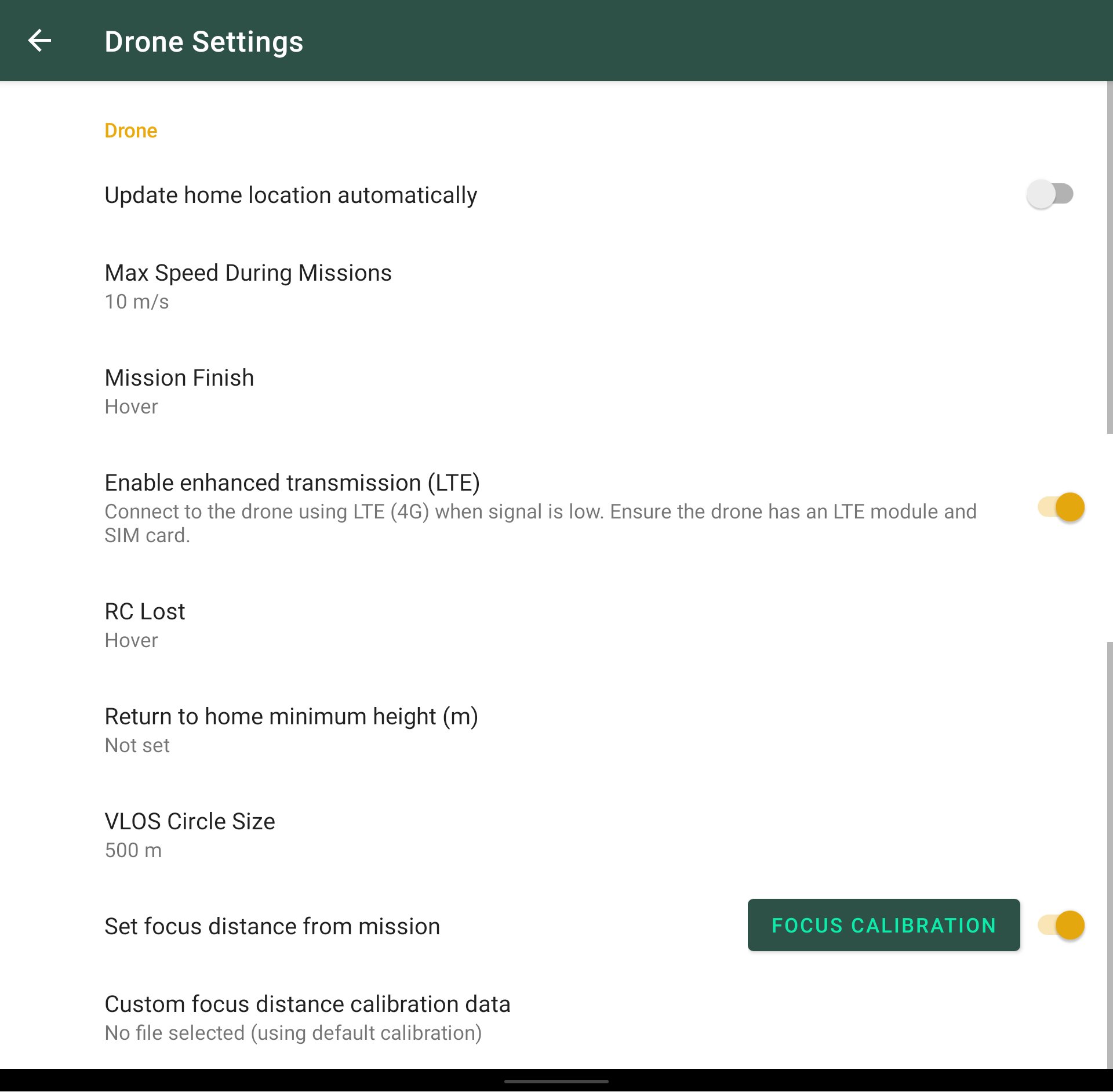
All Settings
| Setting | Description |
|---|---|
| Update home location automatically | Always sets the home location of the drone to the location of the controller. |
| Max Speed During Missions | Limits the speed only during the automated flight in a mission. |
| Mission Finish | What the drone does when the mission is finished: Hover or fly to the home location. |
| Enable enhanced transmission (LTE) | Connect to the drone using LTE (4G) when the signal is low. The drone needs an LTE module and a SIM card. |
| RC Lost | What the drone does if the RC signal is lost during a mission: continue the mission, fly to the home location or hover. |
| Return to home minimum height (m) | Minimum height when the drone returns to the home location. Default: not set. |
| VLOS Circle Size | Radius of the visual line of sight (VLOS) circle on the map. Default: 500 m. |
| Set focus distance from mission | Sets the camera focus to the distance defined in the mission. Tap Focus Calibration to calibrate the focus. |
| Custom focus distance calibration data | Load or export your own focus calibration file. If no file is selected, the default calibration is used. For best results, create a custom focus calibration. |